一、ChnSentiCorp情感分析酒店评论数据集
ChnSentiCorp情感分析酒店评论数据集是一个标注了情感的数据集,分了负面和正面两类,下载地址:
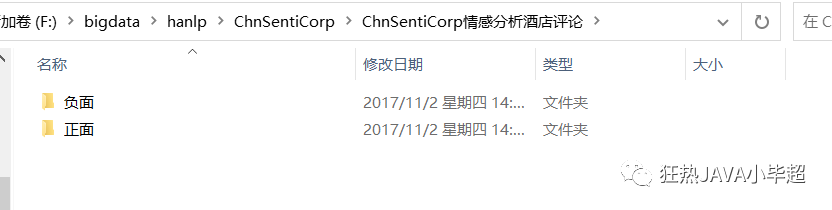
下载解压后结构:
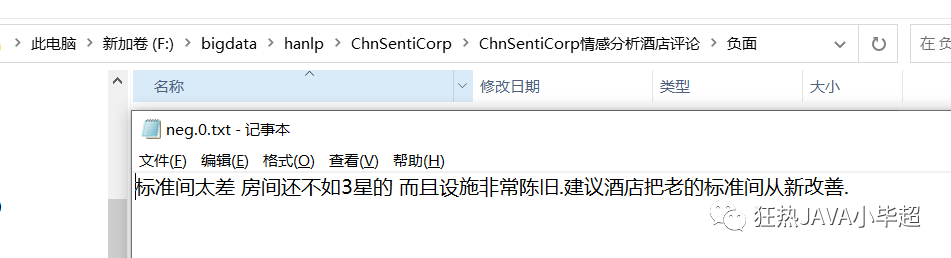
实例数据样例:
下面使用 HanLP 基于 SVM 支持向量机进行分类训练,有关于 HanLP 环境的搭建,可以参考下面这篇文章:
训练数据
public class ClassifySentimentTrain {

    public static void main(String[] args) throws IOException {
        //语料库的地址
        String dataPath = "F:/bigdata/hanlp/ChnSentiCorp/ChnSentiCorp情感分析酒店评论";
        //模型保存路径
        String modelPath = "F:/bigdata/hanlp/ChnSentiCorp/svm-classification-model.ser";
        //训练数据
        trainData(dataPath, modelPath);
    }

    private static void trainData(String dataPath, String modelPath) throws IOException {
        File corpusFolder = new File(dataPath);
        if (!corpusFolder.exists() || !corpusFolder.isDirectory())  {
            System.err.println("没有文本分类语料");
            return;
        }
        // FileDataSet省内存,可加载大规模数据集,支持不同的ITokenizer,详见源码中的文档
        // 使用前90% 的数据作为训练集
        IDataSet trainingCorpus = new FileDataSet()
                .setTokenizer(new HanLPTokenizer())
                .load(dataPath, "UTF-8", 0.9);
        // 创建SVM分类器
        IClassifier classifier = new LinearSVMClassifier();
        // 训练数据
        classifier.train(trainingCorpus);
        // 获取训练模型
        AbstractModel model = classifier.getModel();
        // 使用后10% 的数据作为测试集
        IDataSet testingCorpus = new MemoryDataSet(model)
                .load(dataPath, "UTF-8", -0.1);
        // 计算准确率
        FMeasure result = Evaluator.evaluate(classifier, testingCorpus);
        System.out.println("测试集准确度:");
        System.out.println(result);
        // 保存模型
        IOUtil.saveObjectTo(model, modelPath);
    }

}
查看训练日志:
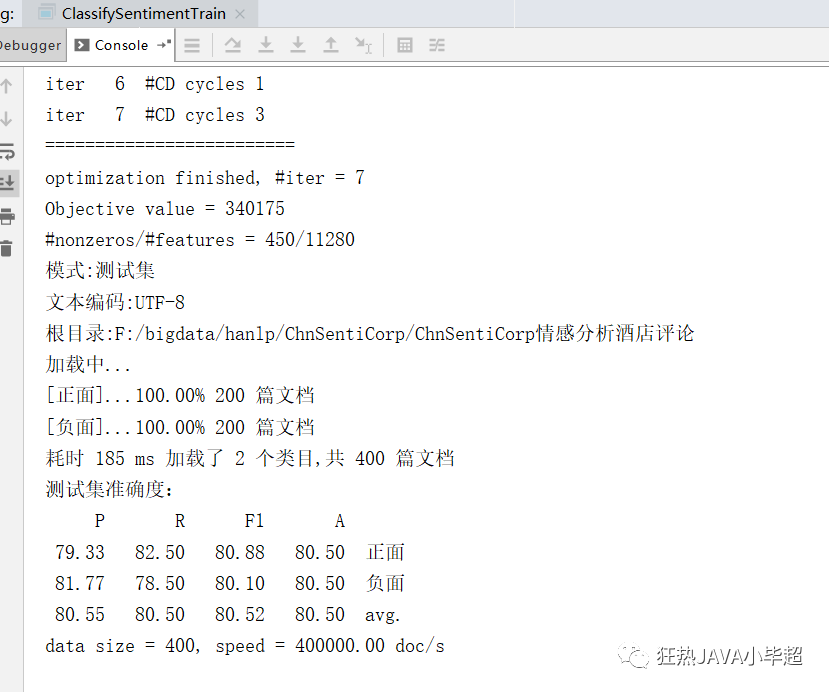
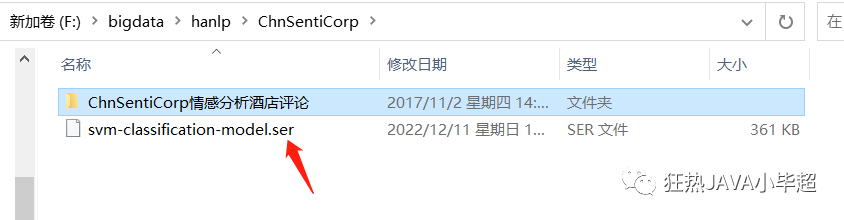
查看训练模型:
测试模型
public class TestSentimentClassify {

    public static void main(String[] args) {
        String modelPath = "F:/bigdata/hanlp/ChnSentiCorp/svm-classification-model.ser";
        testModel(modelPath);
    }

    private static void testModel(String modelPath){
        LinearSVMModel model = (LinearSVMModel) IOUtil.readObjectFrom(modelPath);
        IClassifier classifier = new LinearSVMClassifier(model);
        // 测试分类
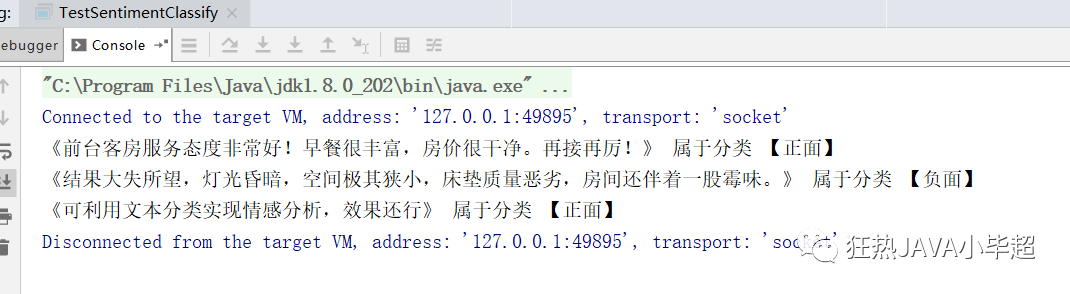
        String text1 = "前台客房服务态度非常好!早餐很丰富,房价很干净。再接再厉!";
        System.out.printf("《%s》 属于分类 【%s】\n", text1, classifier.classify(text1));

        String text2 = "结果大失所望,灯光昏暗,空间极其狭小,床垫质量恶劣,房间还伴着一股霉味。";
        System.out.printf("《%s》 属于分类 【%s】\n", text2, classifier.classify(text2));

        String text3 = "可利用文本分类实现情感分析,效果还行";
        System.out.printf("《%s》 属于分类 【%s】\n", text3, classifier.classify(text3));

    }

}