
官网信息
官方文档:https://pytorch-geometric.readthedocs.io/en/latest/
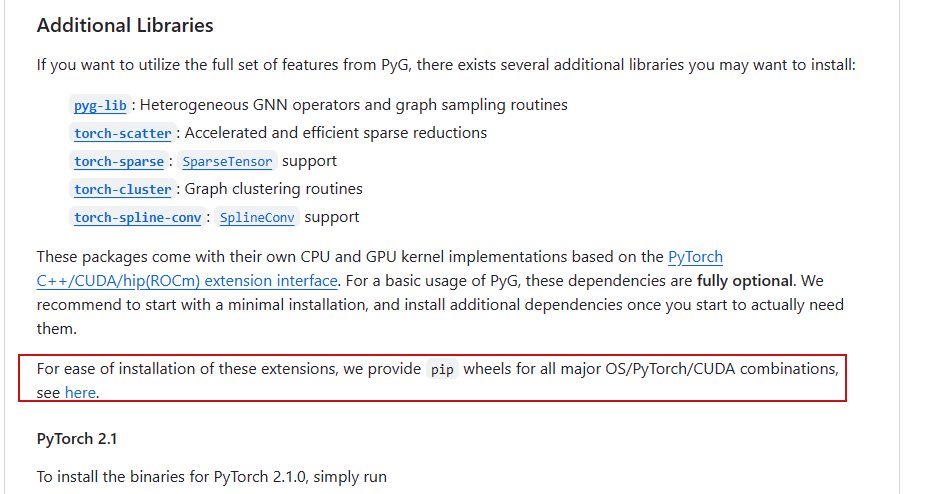
不要pip安装,打开github:https://github.com/pyg-team/pytorch_geometric
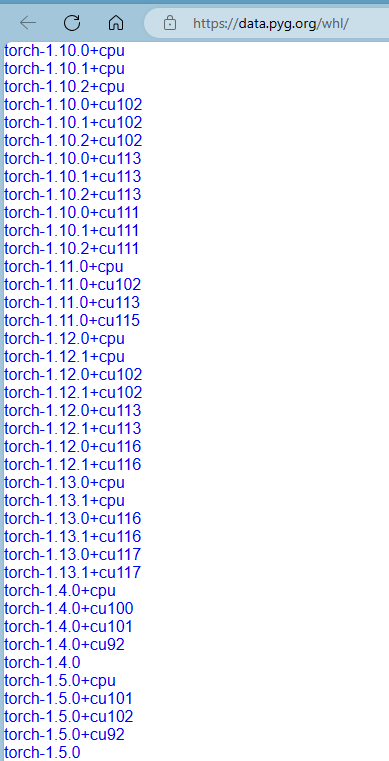
找到:
安装torch
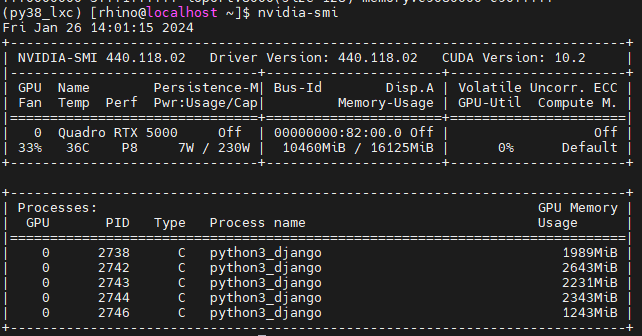
根据cuda版本安装torch:
https://pytorch.org/get-started/previous-versions/
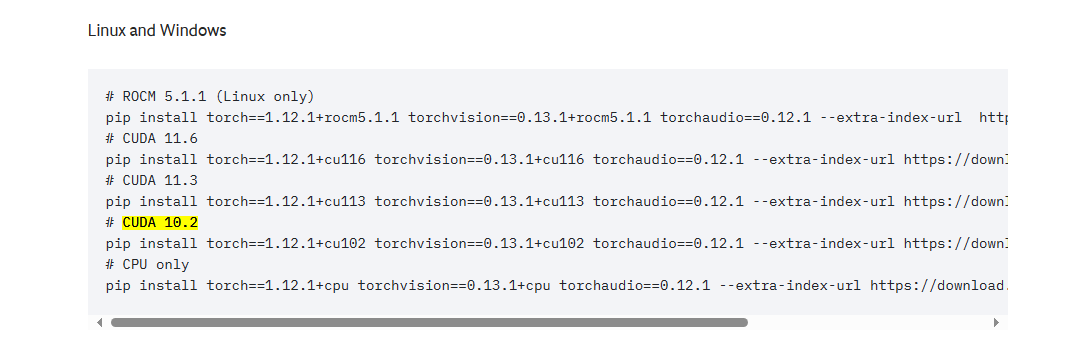
pip install torch==1.12.1+cu102 torchvision==0.13.1+cu102 torchaudio==0.12.1 --extra-index-url https://download.pytorch.org/whl/cu102torch-geometric安装
torch-geometric要和torch版本配套
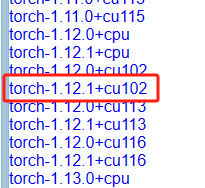
每个包都装;尽量安装新版;cp指python的版本;
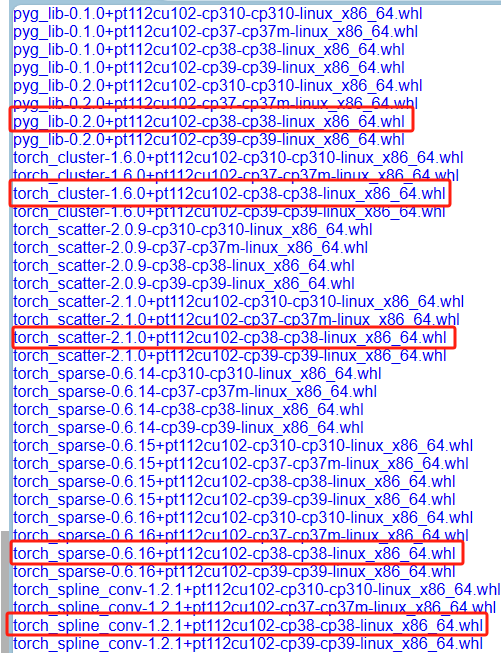
下载后,用pip安装:
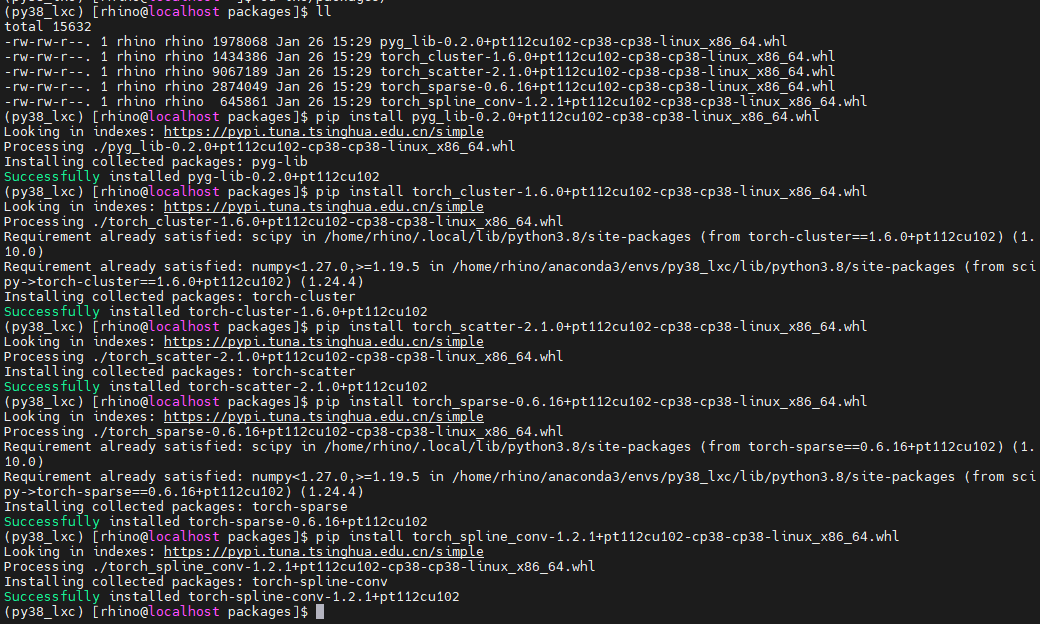
最后安装torch-geometric: pip install torch-geometric